
365 Solutions Customer Story
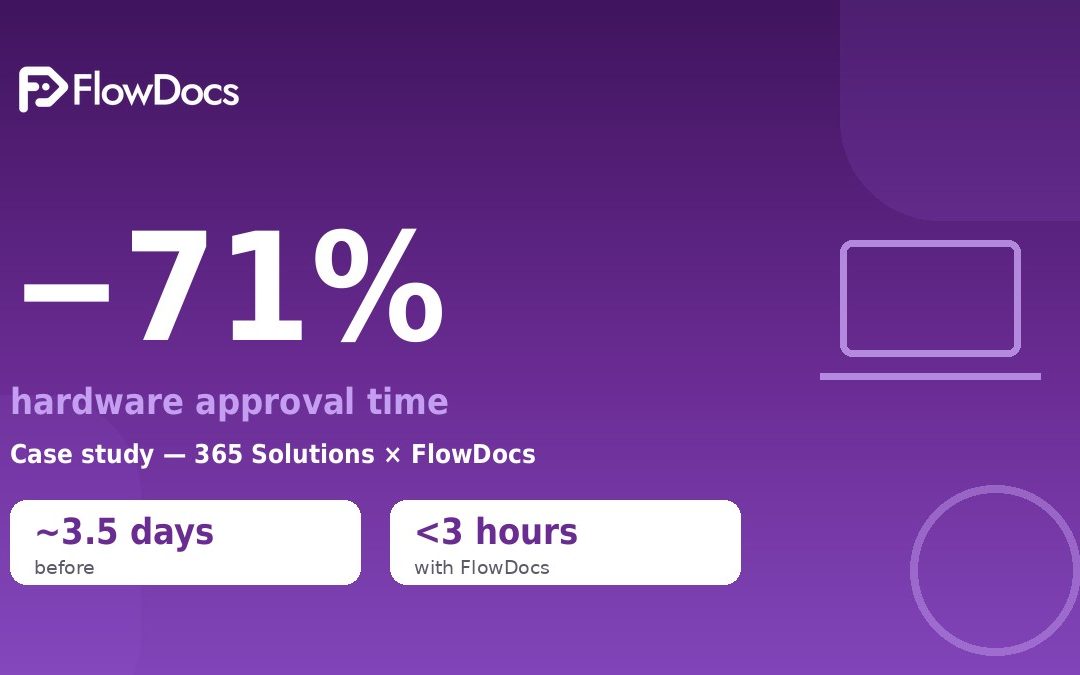
How 365 Solutions Cut Hardware Approval Time by 71%
See how a no-code workflow in Microsoft Teams brought hardware requests, decisions, and handoffs together in FlowDocs.
Faster Hardware Approvals, One Connected Workflow
Workflow Automation in Microsoft Teams
The invisible cost of email approvals
-
A manager messages IT: “We need a laptop for the new hire”
-
IT asks back: which spec? What’s the budget?
-
The manager emails finance for budget approval
-
Finance forwards to the department head for confirmation
-
The department head replies — usually two days later
-
IT finally places the order — and finds the model is out of stock
The fix: one workflow, where the team already works
The result: 71% faster
| Metrics | Before | After |
| Hardware approval time | ~3.5 days | under 3 hours |
| Messages per request | 8–15 | 1 form + notifications |
| Request visibility | none | real-time status |
| Audit trail | email archaeology | automatic log |
Why it worked
-
Nothing gets lost. A form can’t be buried under newer emails.
-
Nothing waits on memory. Reminders fire by themselves.
-
Nothing is invisible. Status is a property of the request, not someone’s inbox.
Try it in your team
When Every Hardware Request Took a Different Route
Before the change, hardware approvals were slowed by fragmented communication and inconsistent steps. Requests could move between conversations and teams without a clear, shared view of their status, making it harder to know who needed to act next. Those gaps created delays and extra follow-up, while different approaches to the same request made the process difficult to manage consistently.
From Request to Decision in Teams
Step 1
Submit a Standardized Request
Employees enter hardware needs and supporting details in a consistent FlowDocs form inside Microsoft Teams.
Step 2
Route to the Right Reviewers
A no-code workflow sends each request to the appropriate approvers, keeping handoffs and responsibilities clear.
Step 3
Record and Share the Decision
Reviewers approve or decline in Teams, with the outcome and request details available in one place.
Built for Faster, Clearer Approvals
Microsoft Teams Integration
No-Code Workflow Builder
Standardized Request Forms
Automated Request Routing
Role-Based Approver Assignment
Coordinated Review Steps
In-Context Decision Making
Centralized Request Details
Shared Approval Status
Visible Review History
Consistent Decision Records
Clear Ownership at Every Step
Fewer Manual Handoffs
Accessible Supporting Information
Repeatable Approval Processes
“With FlowDocs, our hardware approvals moved through a clear, consistent process in Microsoft Teams. We cut approval time by 71% and gave everyone better visibility into what needed to happen next.”
365 Solutions team
Make approvals easier to move forward
See how FlowDocs helps your team build no-code approval workflows, standardize each step, and keep work moving in Microsoft Teams.