
Streamline Your Workflow Effortlessly
Introducing Premade Templates in FlowDocs
Discover how our new premade templates can revolutionize your workflow by providing ready-made processes that integrate seamlessly into your existing systems.
Unlock New Possibilities
Key Features of Premade Templates
Instant Deployment
Deploy workflows instantly with our pre-designed templates, minimizing setup time and maximizing productivity.
Easy Customization
Tailor each template to fit your unique business needs without any coding required.
Enhanced Collaboration
Facilitate better team collaboration with templates designed for seamless communication and task management.
Integrated Solutions
Our templates work effortlessly within Microsoft Teams, ensuring a smooth integration into your existing workflow.
Scalable Processes
Adapt templates to grow with your business, ensuring long-term efficiency and scalability.
User-Friendly Interface
Navigate and implement templates easily with our intuitive user interface designed for all skill levels.
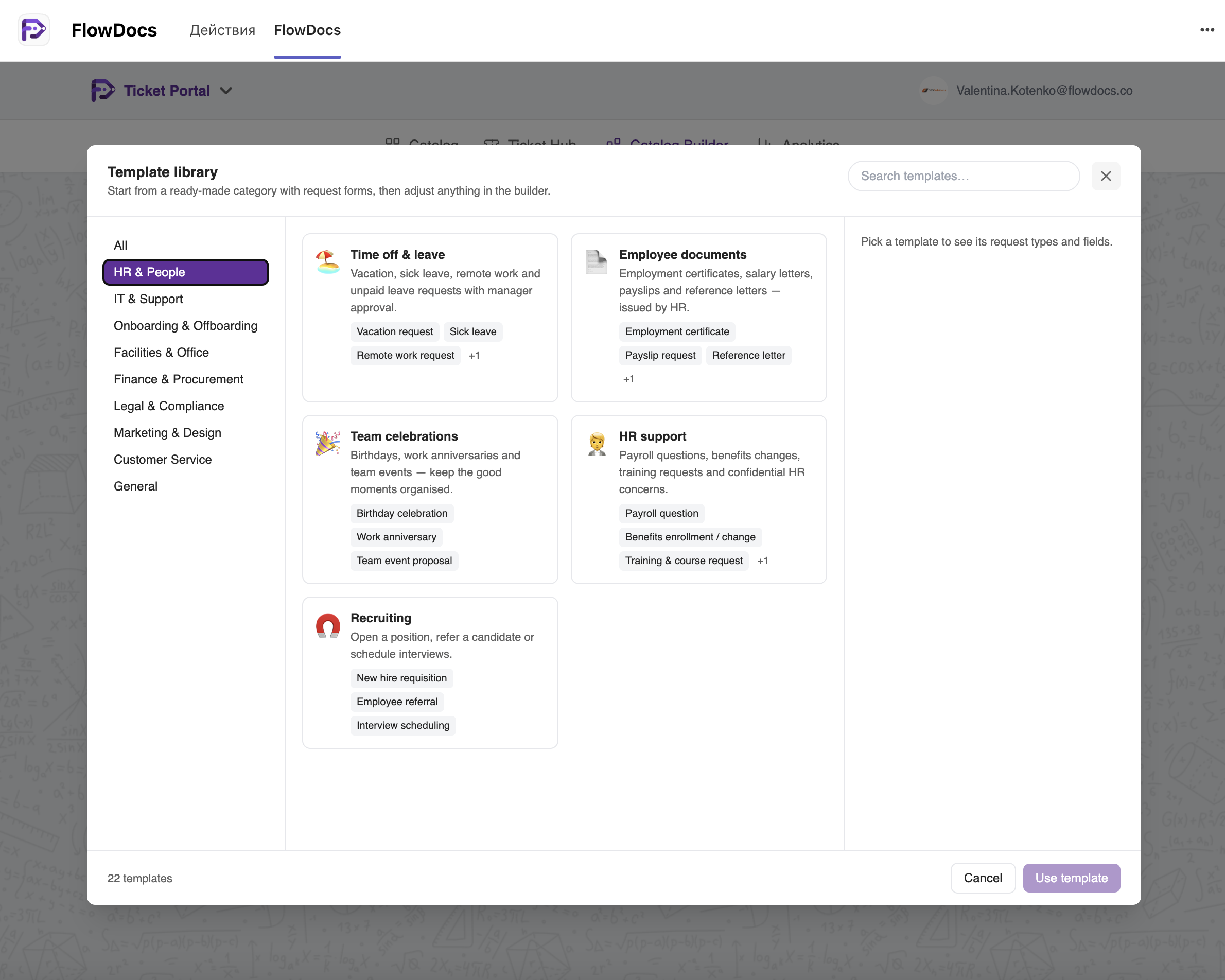
Ready-Made Process Library Inside FlowDocs
What is in the catalog today
-
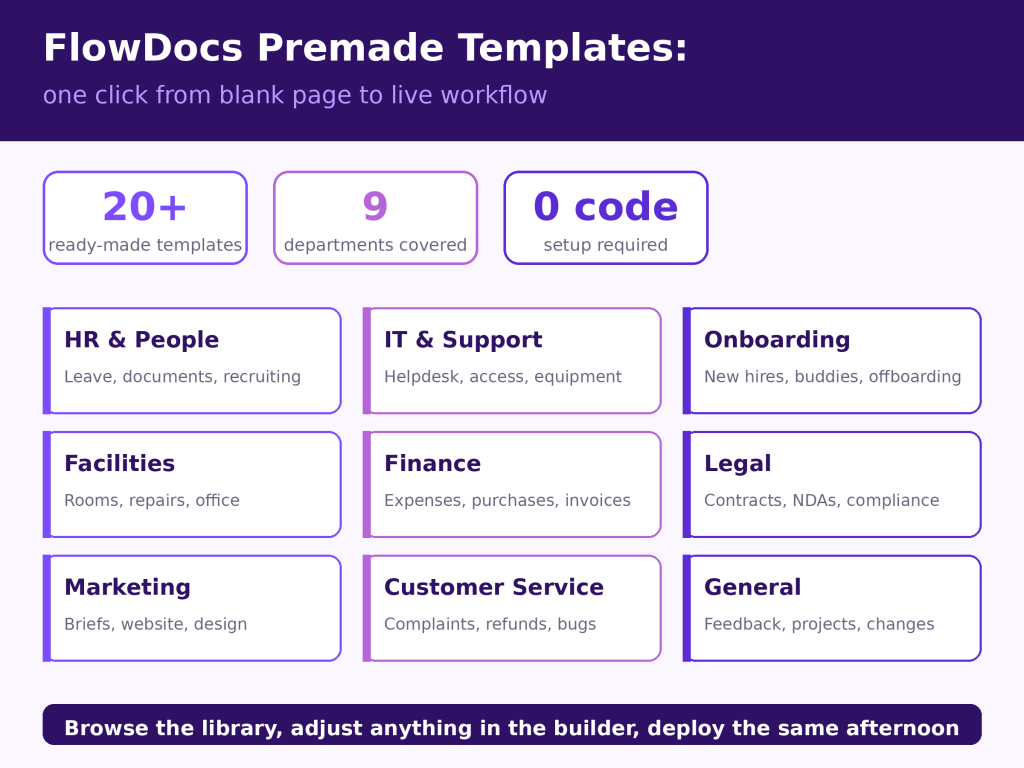
HR & People — Time off & leave, Employee documents, Team celebrations, HR support, Recruiting
-
IT & Support — Helpdesk incidents, Software installation, Security & access, Equipment and new device requests
-
Onboarding & Offboarding — New employee onboarding, Buddy & first-week plans, Equipment requests, Offboarding with access removal
-
Facilities & Office — Office helpdesk, Meeting room booking, Maintenance and repair
-
Finance & Procurement — Expenses & reimbursements, Purchase requests, Corporate cards, Invoice approvals
-
Legal & Compliance — Legal requests, Contract review, NDAs, Policy exceptions, Confidential reports
-
Marketing & Design — Creative & marketing briefs, Website & digital requests
-
Customer Service — Customer support requests, Complaints and refunds
-
General — Catch-all requests, Feedback and suggestions, Project initiation and change requests
Why templates matter more than they sound
How to try it
Getting Started with Premade Templates
Step 1
Step 1: Select a template from our extensive library that best fits your workflow needs.
Step 2
Step 2: Customize the template to align with your specific processes and team requirements.
Step 3
Step 3: Deploy the template within Microsoft Teams and start collaborating with your team instantly.